

Compliance Built for SME Sales and Billing Workflows
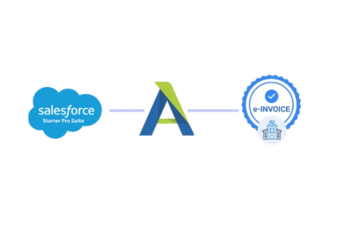
How Salesforce Starter Pro Suite Customer Works With Advintek
- Customer Engagement Begins: Leads, accounts, contacts, and opportunities establish the commercial relationship within Salesforce Starter Pro Suite.
- Sales Activity Develops: Products, services, discussions, and opportunity information build details surrounding a potential customer transaction.
- Billable Activity Is Confirmed: Applicable sales or service activity becomes ready for invoicing, and relevant Salesforce records are identified.
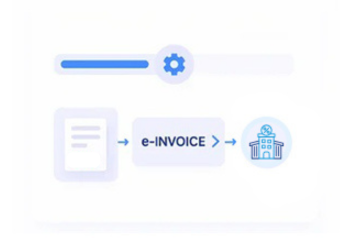
- Invoice Information Is Structured: Customer and transaction details are organized into the appropriate Jordan electronic invoice format.
- Regulatory Information Is Checked: Required invoice information is reviewed against ISTD requirements before electronic processing continues.
- Invoice Processing Continues: Validated documents move through JoFotara while relevant Salesforce references remain available for business teams.
What Advintek Adds to Salesforce Starter Pro Suite Billing
Salesforce Starter Pro Suite centers on customer relationships rather than traditional accounting functions. Advintek connects relevant accounts, opportunities, contacts, and service information with Jordan electronic invoicing while preserving commercial context behind each invoice.
- Links accounts with invoice-related records
- Carries opportunity information into billing workflows
- Connects service activity with documentation
- Preserves customer relationship references
How Salesforce Starter Pro Suite Sales Data Supports Coordination
- Opportunity-to-Invoice Handover: Carries relevant opportunity information forward when successful sales activity reaches the invoicing stage.
- Customer Account Recognition: Uses established Salesforce account relationships to keep invoice records associated with the correct customer context.
- Commercial Data Continuity: Maintains useful product, service, and transaction information between customer-facing activities and invoice preparation.
- Sales-Service Collaboration: Creates a clearer connection between teams handling customer relationships and invoice administration.
- Transaction History Access: Allows teams to understand invoice activity alongside Salesforce interactions contributing to the underlying transaction.
- Customer-Centric Documentation: Keeps electronic invoice processing connected to the broader customer journey.
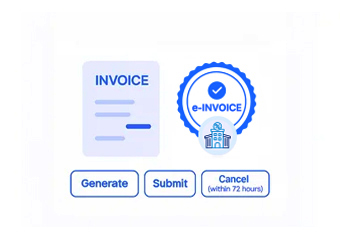
Complete Control Over Jordan E-Invoicing Workflows in One Platform
Error Detection and Resolution Support
Checks relevant account, contact, opportunity, product, and service information before eligible transactions enter electronic invoice processing.
Dashboard and Reporting
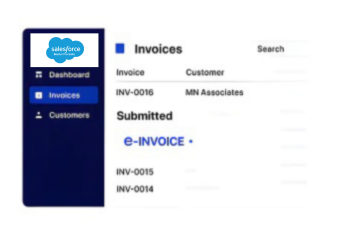
Helps teams identify Salesforce customer activity associated with invoice-related transactions as documents move through processing.
Dedicated e-Invoicing Support
Advintek keeps the Salesforce Starter Pro Suite integration aligned with ISTD and JoFotara process requirements.
Designed for Salesforce Starter Pro Suite Users in Jordan
Salesforce records can span accounts, contacts, opportunities, products, and service activity before becoming invoice-ready. Advintek preserves these relationships during Jordan e-invoice processing, helping teams connect submitted documents with their originating customer activity.
- Connects customer accounts with invoices
- Preserves opportunity-related business context
- Maintains service and sales references
- Supports clearer transaction tracing
Connect Your Customer Data Today With Advintek
Ensure Sage 300 invoices meet Jordan e-invoicing requirements without delays, rework, or manual corrections.
Connected to JoFotara compliance workflows. Managed through Advintek.
Ready e-Invoice System
Frequently Asked Questions Salesforce Starter e-Invoicing Jordan
Can Salesforce opportunities become part of the Jordan invoicing workflow?
Eligible opportunity information can support invoice preparation when a completed sales engagement produces a billable transaction requiring e-invoicing. Advintek helps carry relevant Salesforce opportunity details into the Jordan invoicing workflow, maintaining useful customer, product, service, and transaction context while connecting commercial activity with resulting invoice documentation.
Does the integration use Salesforce account information?
Yes. Relevant account information can accompany invoice-related records, helping organizations maintain the correct customer relationship throughout e-invoice processing. Advintek helps connect Salesforce account details with applicable billing information, allowing teams to preserve customer context and maintain consistency between CRM records and resulting Jordan invoice documents.
Can service activities contribute information to an electronic invoice?
Where applicable, completed service activity can provide relevant business information for invoice preparation when the underlying customer engagement produces a billable transaction. Advintek helps connect eligible Salesforce service records with invoice workflows, preserving customer, service, activity, and transaction context for structured Jordan e-invoice processing and review.
What happens to Salesforce records after an invoice is processed?
Relevant Salesforce references can remain associated with the invoice, allowing teams to connect the completed document with its originating customer and business activity. Advintek helps preserve these relationships across the workflow, giving sales and finance teams clearer visibility when reviewing invoice records against Salesforce opportunities, accounts, services, and transactions.
Is Salesforce Starter Pro Suite suitable for finance teams using a separate accounting system?
Yes. Salesforce can remain focused on customer and commercial activity while Advintek helps connect relevant Salesforce records with the broader e-invoicing environment. This allows finance teams to continue using their separate accounting ERP while maintaining coordinated information between CRM activities, billing transactions, and Jordan e-invoice processing.